Fast & Simple Online Invoicing
Send invoices online with your branding, and make it easy for your clients to pay you on time.
Hiveage’s online invoicing lets you create and send professional invoices in minutes. Customize with your logo and brand colors, add line items with taxes, discounts, and shipping, set up automatic payment reminders, and track payment status in real time. Supports multiple currencies, recurring invoices, and 12+ online payment gateways.
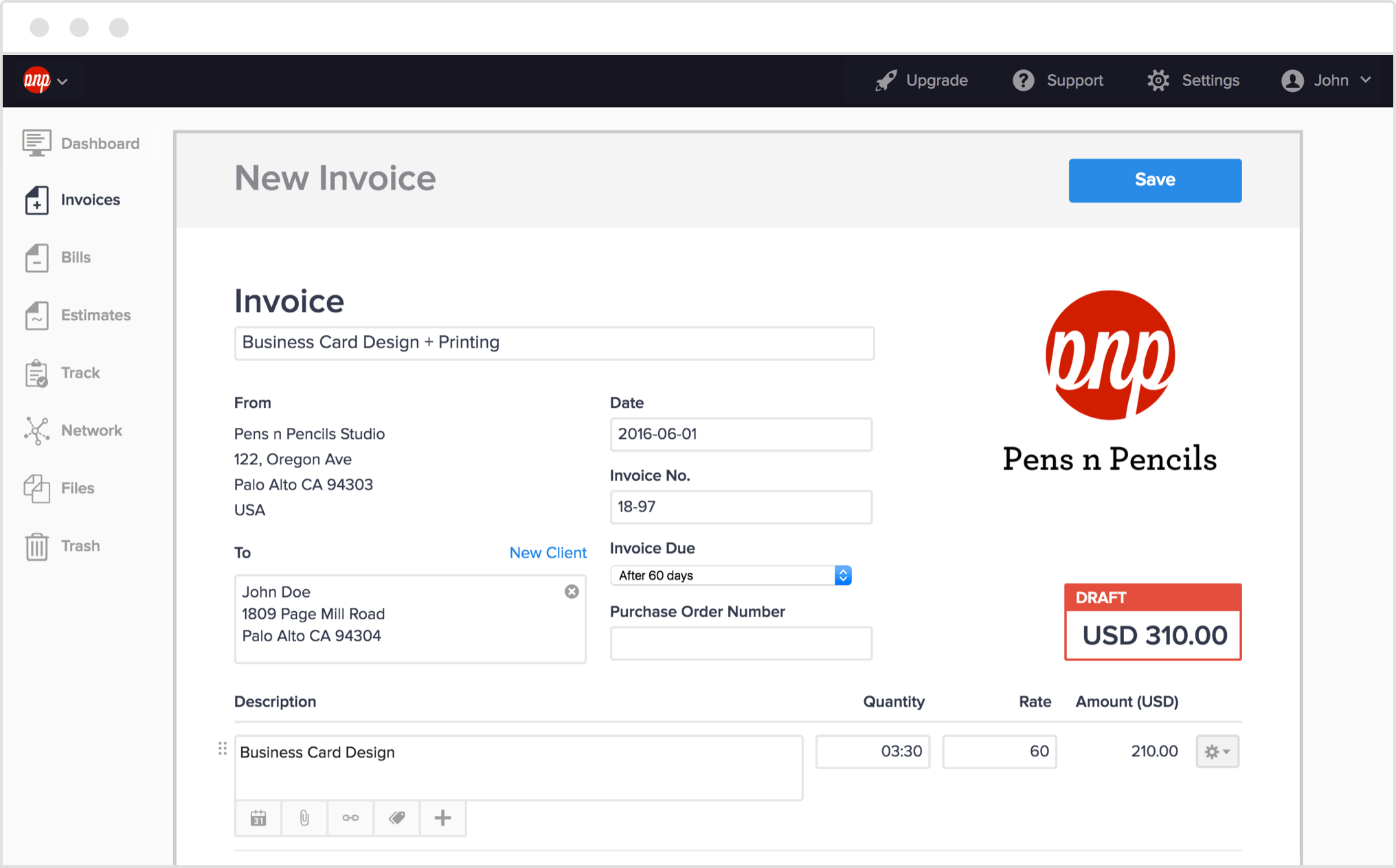
Send invoices quickly
Hiveage invoices are quick, easy and optimized for your convenience, with an elegant design guaranteed to impress your clients. Simply add your data (whether as line items, time tracking entries or expenses) and send invoices out with one click. Or start with an estimate and magically convert it into an invoice in seconds.
Promote your brand
Impress your clients with your custom and professional invoices. Custom branding means that every invoice of yours can be personalized to carry your company logo and details. After all, it’s your business, not ours!
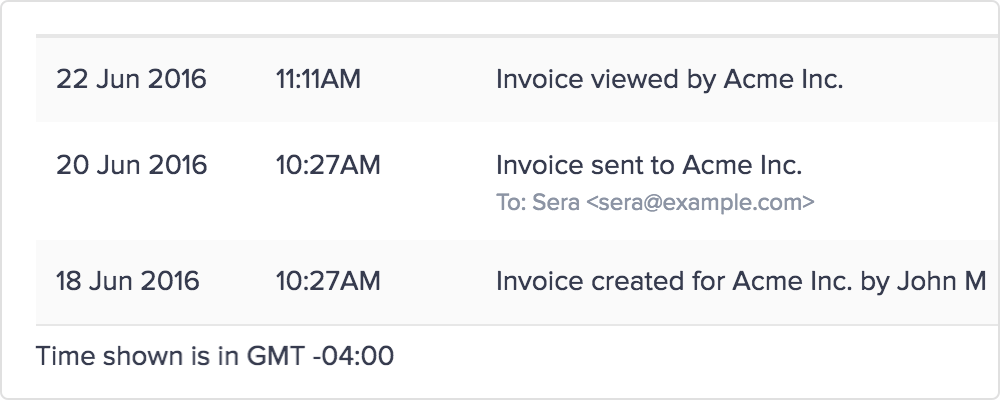
Track invoice status
Let Hiveage manage your client’s invoices for you. With Hiveage’s clear invoice status labels, it’s easy to track which of your invoices are saved as drafts, sent to the client, viewed by a client, or have received full or partial payments.
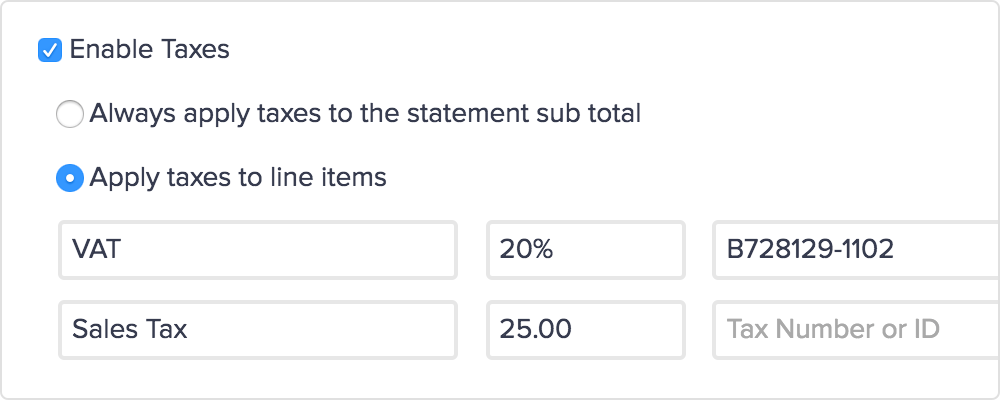
Flexible taxes, discounts and shipping
Tired of remembering to factor in all those extra taxes and fees? Save unlimited taxes, discounts and shipping charge entries in Hiveage, both as percentages and fixed amounts, and quickly add them to your invoice line items or sub total. Don’t worry, we’ll do the math for you.
Send payment reminders and receipts
Save yourself the time and hassle and automate your client communications! Whether you need to remind a client about a payment or thank them for settling a bill on time, Hiveage can do your invoicing related correspondence for you.
And much more ...
Hiveage supports invoicing in multiple currencies, file attachments, tags for easy organization, text formatting with Markdown, PDF copies of your statements, integrations with our other features and much more. Explore the possibilities!
Frequently Asked Questions
How do I create an invoice with Hiveage?
Log into your Hiveage account, navigate to Invoices, and click New Invoice. Add your client details, line items, taxes, and discounts. Customize the design with your logo and brand colors, then send directly by email or share a payment link.
Can I customize the look of my invoices in Hiveage?
Yes. Hiveage supports custom logos, brand colors, and invoice templates. You can add custom notes, terms and conditions, and attachments. Invoices are generated as PDFs and can also be previewed online by clients.
Does Hiveage send automatic payment reminders?
Yes. Hiveage can automatically send payment reminders before and after an invoice due date. You can configure the timing and message for each reminder. Receipts are sent automatically when payment is received.
What currencies does Hiveage support for invoicing?
Hiveage supports multiple currencies. You can create invoices in any currency and set per-client currency preferences. Exchange rates can be managed manually or automatically.
How do I track whether my invoices have been paid?
Hiveage tracks invoice status in real time: draft, sent, viewed, partial, paid, or overdue. The dashboard displays outstanding balances and payment history. You can also run accounts receivable reports across all clients.
Can I add taxes and discounts to invoices in Hiveage?
Yes. Hiveage supports multiple tax rates (including compound taxes), flat or percentage discounts at the line-item or invoice level, and shipping charges. Tax settings can be saved per client or applied globally.